By Feran, Founder of DigibleReviewed October 2026
Free Christmas Bible Journaling Stickers
31 free digital Christmas stickers for your Bible, made for Advent and Christmas journaling. Scripture and carol lettering like Immanuel, God With Us, O Holy Night and Good News of Great Joy, plus a nativity scene, a cross with holly, a snowy church and cosy Christmas pictures. Every sticker is a transparent PNG, ready for Digible, Goodnotes or any journaling app.
Get the Christmas stickers
Enter your email to get both packs: 31 Christmas stickers and 26 Boho Faith stickers.
All 31 Christmas Stickers
Here is every sticker in the pack, with the verse each Scripture sticker comes from.
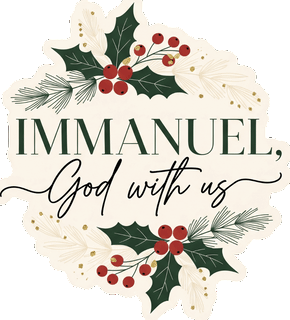 Immanuel, God With UsMatthew 1:23
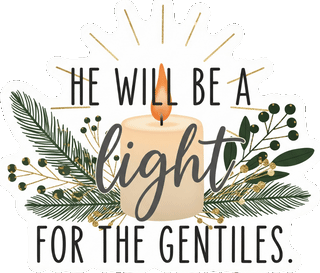 He Will Be a Light for the GentilesIsaiah 49:6
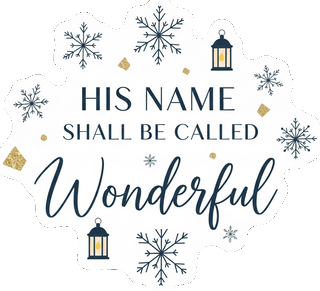 His Name Shall Be Called WonderfulIsaiah 9:6
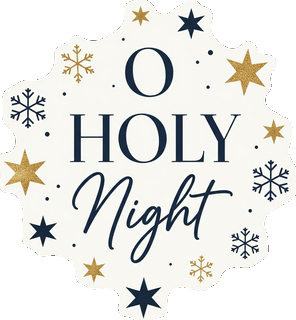 O Holy Night
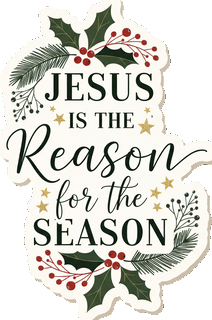 Jesus Is the Reason for the Season
 And the Star Went Before ThemMatthew 2:9
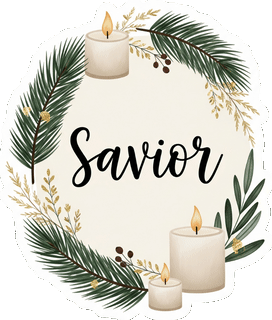 SaviorLuke 2:11
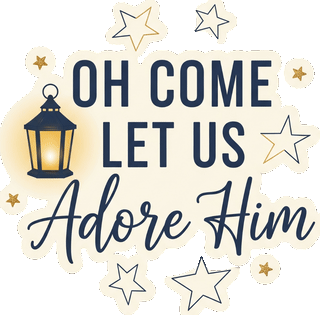 Oh Come Let Us Adore Him
 Messiah
 Light of the WorldJohn 8:12
 A Savior Has Been Born to YouLuke 2:11
 Behold, the Lamb of GodJohn 1:29
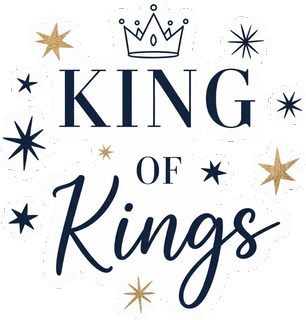 King of KingsRevelation 19:16
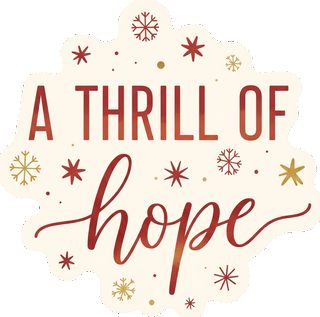 A Thrill of Hope
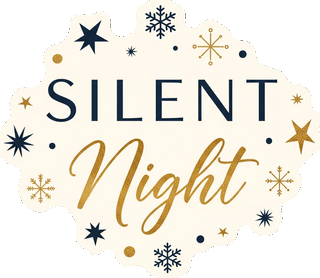 Silent Night
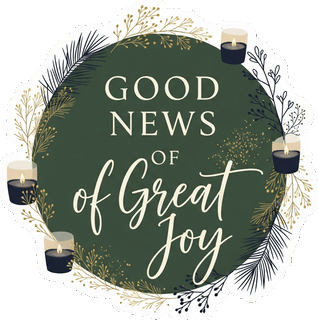 Good News of Great JoyLuke 2:10
 Come Let Us Adore Him
 Christmas ornament with a cross
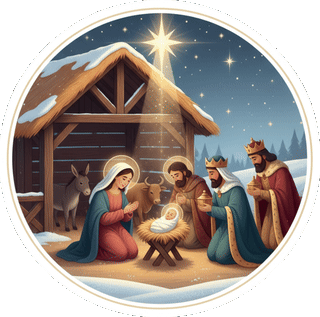 Nativity scene
 Cross with holly
 Open Bible
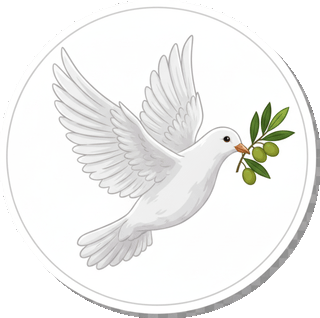 Dove with an olive branch
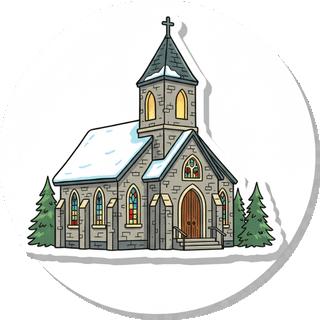 Snowy church
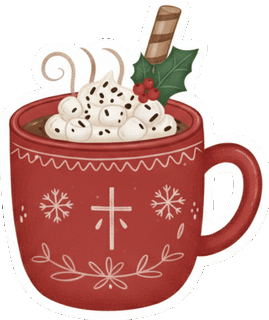 Christmas cocoa mug
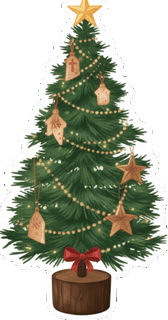 Christmas tree
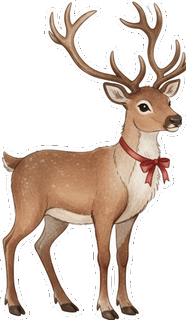 Reindeer
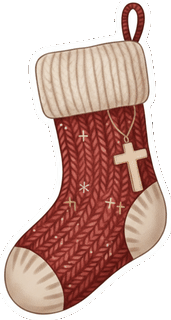 Christmas stocking
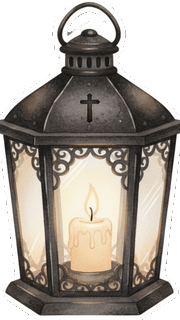 Christmas lantern
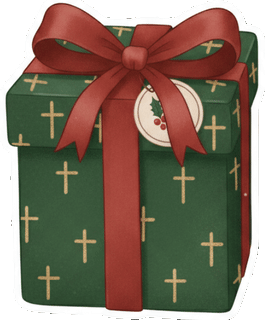 Christmas gift
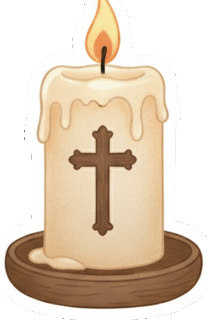 Candle with a cross
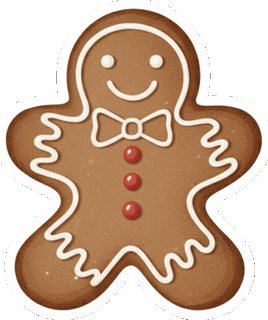 Gingerbread man
Christmas Verses to Journal With These Stickers
Pick a verse, read it slowly and let the sticker mark what God showed you. These passages each have a matching sticker:
- Isaiah 9:6: His Name Shall Be Called Wonderful
- Matthew 1:23: Immanuel, God With Us
- Matthew 2:9: And the Star Went Before Them
- Luke 2:10-11: Good News of Great Joy and A Savior Has Been Born to You
- John 1:29: Behold, the Lamb of God
- John 8:12: Light of the World
For a full Advent journal, read Luke 1 and 2 across December and add one sticker to each day's page. Carol stickers like A Thrill of Hope and Silent Night are lovely on the pages where you write your prayers.
How to Add the Stickers in Digible
On iPad:
- Open the ZIP in the Files app. Tapping it unzips the stickers into a folder.
- Open the folder, tap Select, choose the stickers you want, then tap Share and Save Images so they are in Photos.
- In Digible, open a chapter, tap Photo in the floating toolbar and pick a sticker. Drag it into place, pinch or drag a corner to resize it and use the round handle to rotate it.
On an Android tablet: open the ZIP in Files by Google and tap Extract. Then on a journal page in Digible, tap Photo in the tool pill and choose the sticker.
Each sticker is a PNG with a transparent background, so it sits on the page like a real sticker. Digible also has its own sticker library under the Stickers button, with Scripture, Faith, Florals, Washi and more.
How to Use Them in Goodnotes and Other Apps
The stickers work in any app that takes images. In Goodnotes, insert a sticker with the image tool from Photos or Files, then resize it. To reuse a pack, add the stickers to a collection in Goodnotes Elements. Notability, Procreate and most digital planners work the same way.
Also Free: Boho Faith Stickers
The same sign-up gets you the 26 boho faith stickers as well.
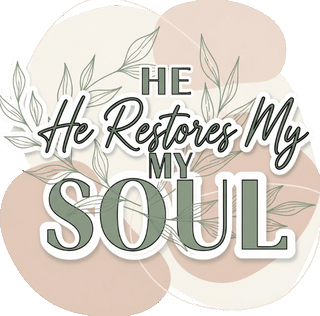 He Restores My Soul
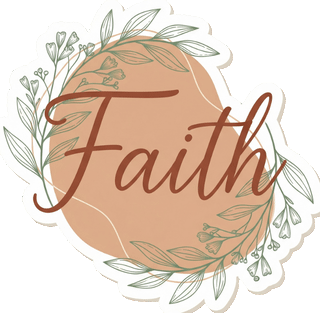 Faith
 Bible with a cross
 With God All Things Are Possible
 He Is Risen
Frequently Asked Questions
What is in the free Christmas sticker pack?
31 stickers: 17 Scripture and carol stickers such as Immanuel God With Us, His Name Shall Be Called Wonderful, O Holy Night and Behold the Lamb of God, and 14 Christmas pictures including a nativity scene, a cross with holly, a snowy church, a lantern and a gingerbread man.
Which Bible verses go with Christmas stickers?
Isaiah 9:6 (Wonderful Counselor), Matthew 1:23 (Immanuel), Matthew 2:9 (the star), Luke 2:10-11 (good news of great joy, a Savior is born), John 1:29 (the Lamb of God) and John 8:12 (the light of the world) all have a matching sticker in the pack.
Are the stickers really free?
Yes. Enter your email and you get both packs, 57 stickers in all, at no cost.
What format are the stickers?
Each pack is one ZIP of high resolution PNG files with transparent backgrounds, so they work in Digible, Goodnotes, Notability, Procreate and any app that takes images.
Can I print them?
They are made for digital journaling, but you can print them on sticker paper for your own Bible or journal. They are for personal use, not for resale.
How do I add stickers to my Bible in Digible?
Save the stickers to Photos, open a chapter in Digible on iPad or an Android tablet, tap Photo in the toolbar and pick a sticker. Then drag, resize and rotate it on the page.
Get all 31 Christmas stickers
Enter your email to get both packs: 31 Christmas stickers and 26 Boho Faith stickers.
Ideas for Your Journal Pages
- How to make a loaded Bible: tabs, colour codes, notes and stickers.
- Digital Bible journaling ideas for every season.
- Scripture lettering to pair with your stickers.
- The best Bible journaling apps for 2027.